Link Aggregation Configure ZTE GPON OLT
[boxads]
Today i will be discuss how to Link Aggregation Configure ZTE GPON OLT.
Prerequisites:
- Make sure that the network device works normally.
- Uplink ports work normally.
- Log in to the ZXA10 C220 through HyperTerminal or Telnet.
Context:
LACP is a method to control the bundling of several physical ports together to form a single logical channel. LACP allows a network device to negotiate an automatic bundling of links by sending LACP packets to the peer (directly connected device that also implements LACP). The logical channel on the ZXA10 C220 is called smartgroup, which has the same VLAN properties as Ethernet port.
To configure the link aggregation, perform the following steps:
1. Use the configure terminal command to enter global configuration mode.
2. Use the interface smartgroup command to configure smartgroup.
3. Use the smartgroup load-balance command to configure load-balance mode.
Note: The ZXA10 C220 supports six types of load-balance:
- Based on source IP address
- Based on destination IP address
- Based on source and destination IP addresses
- Based on source MAC address
- Based on destination MAC address
- Based on source and destination MAC addresses
The default mode is based on source and destination MAC addresses.
4. Use the interface command to configure interface configuration mode.
5. Use the smartgroup mode command to configure smartgroup port and mode.
Note:
- On: The port runs static trunk. Both end of the aggregated link should be set to the on mode.
- Active: The port runs LACP in active negotiation mode.
- Passive: The port runs LACP in passive negotiation mode.
- It is recommended to set one end to active mode and the other end to passive, or set both ends to active.
- The VLAN attribues of a member port should be consistent with that of the smartgroup. Otherwise, the port cannot be added to the smartgroup.
6. Use the show lacp internal command to query smartgroup configuration.
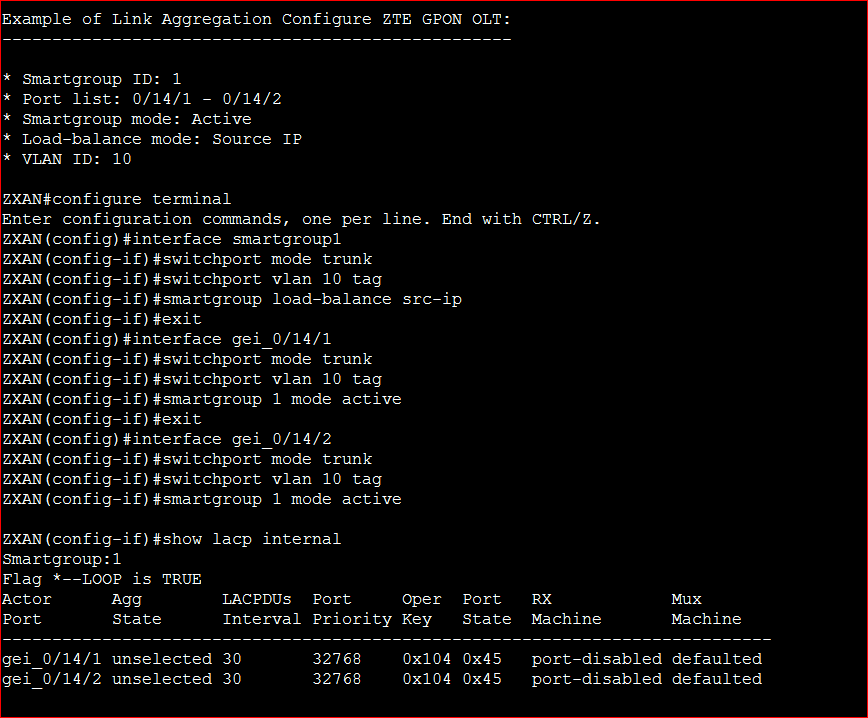
Example of Link Aggregation Configure ZTE GPON OLT:
- Smartgroup ID: 1
- Port list: 0/14/1 – 0/14/2
- Smartgroup mode: Active
- Load-balance mode: Source IP
- VLAN ID: 10
[bodyads]
ZXAN#configure terminal
Enter configuration commands, one per line. End with CTRL/Z.
ZXAN(config)#interface smartgroup1
ZXAN(config-if)#switchport mode trunk
ZXAN(config-if)#switchport vlan 10 tag
ZXAN(config-if)#smartgroup load-balance src-ip
ZXAN(config-if)#exit
ZXAN(config)#interface gei_0/14/1
ZXAN(config-if)#switchport mode trunk
ZXAN(config-if)#switchport vlan 10 tag
ZXAN(config-if)#smartgroup 1 mode active
ZXAN(config-if)#exit
ZXAN(config)#interface gei_0/14/2
ZXAN(config-if)#switchport mode trunk
ZXAN(config-if)#switchport vlan 10 tag
ZXAN(config-if)#smartgroup 1 mode active
ZXAN(config-if)#show lacp internal
Smartgroup:1
Flag *–LOOP is TRUE
Actor Agg LACPDUs Port Oper Port RX Mux
Port State Interval Priority Key State Machine Machine
——————————————————————————————————————–
gei_0/14/1 unselected 30 32768 0x104 0x45 port-disabled defaulted
gei_0/14/2 unselected 30 32768 0x104 0x45 port-disabled defaulted