Reset Cisco Router password:
Today i will discuss how to reset Cisco Router password. so follow bellow steps………..
[boxads]
Step-1. Reboot your router first, when it rebooting attempt to break into ROM Monitor (ROMmon) by issuing the break sequence (usually Ctrl and break from the Hyperterminal) from a console connection. Refer to: Cisco Standard Break Key Combinations You should see this ROMmon prompt:
rommon 1>
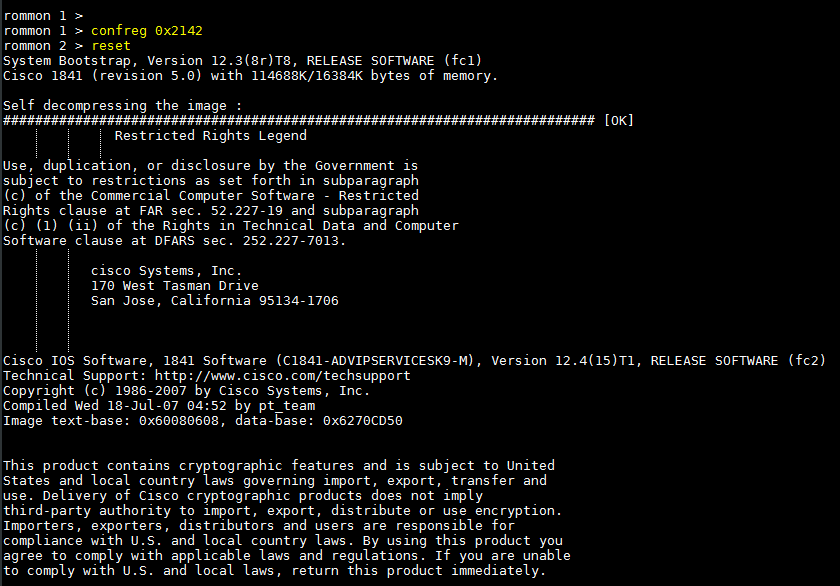
Step-2. Change the configure register value to ignore the startup configuration by issuing the confreg command, as shown in this example:
rommon 1> confreg 0x2142
Step-3. To reload the router, issue the reset command, as shown in this example:
rommon 2> reset