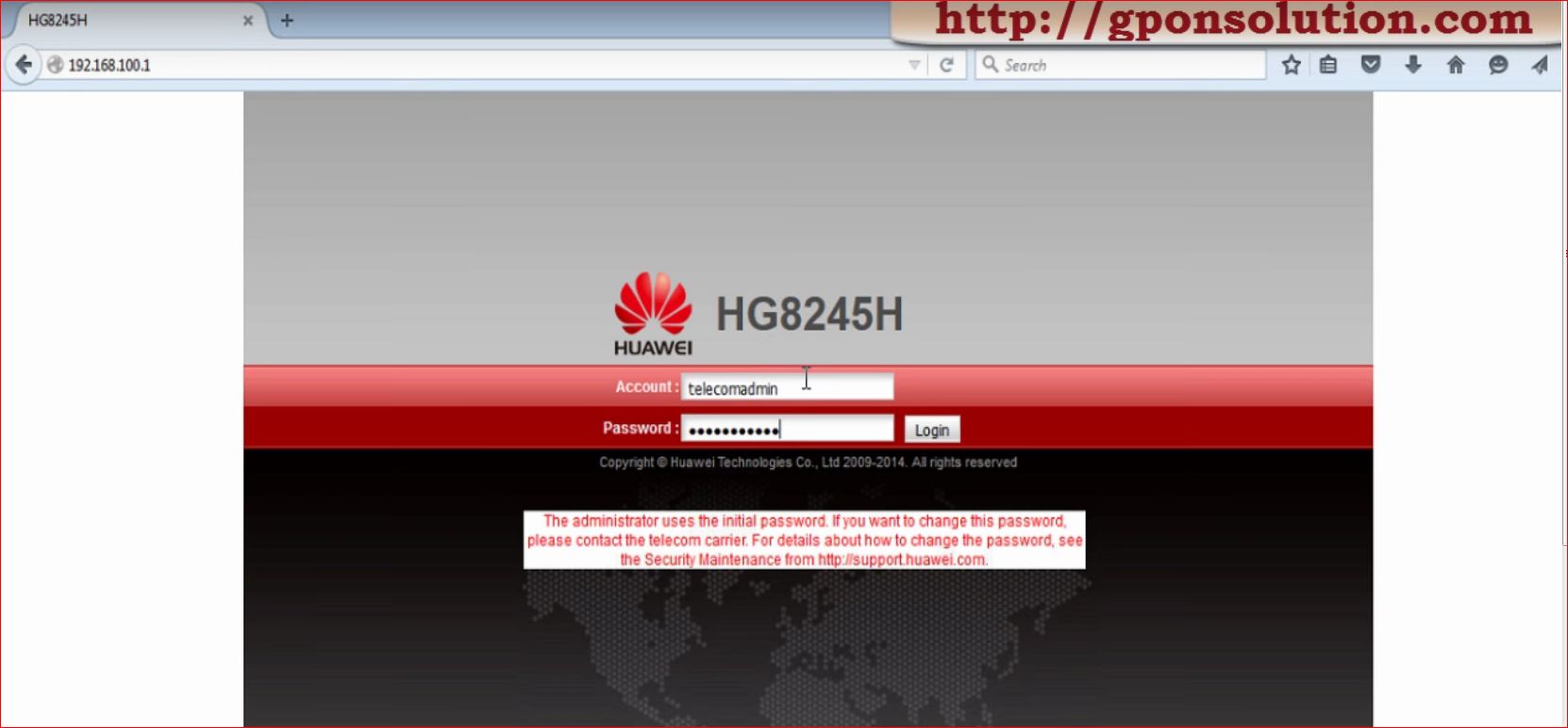
Today i will discuss about Huawei HG8245 Default password.
Question-1: What is the default user name and password for Huawei ont ?
Answer: By default, administrator mode,
Username: telecomadmin, Password: admintelecom,
Common Username:root, Password:admin
Another Username:admin, Password:*6P0N4dm1nP4SS*
Huawei hg8245 admin password
Question-2: What is the default IP address and Subnet Mask of huawei ont ? Answer: IP address: 192.168.100.1, Subnet mask: 255.255.255.0
Question-3: If we want to connect a PC with Huawei ONT, how to set IP address and subnet mask of the PC? Answer: Set the IP address of the PC to be in the same subnet as the LAN IP address of the HG8240/HG8245/HG8247.
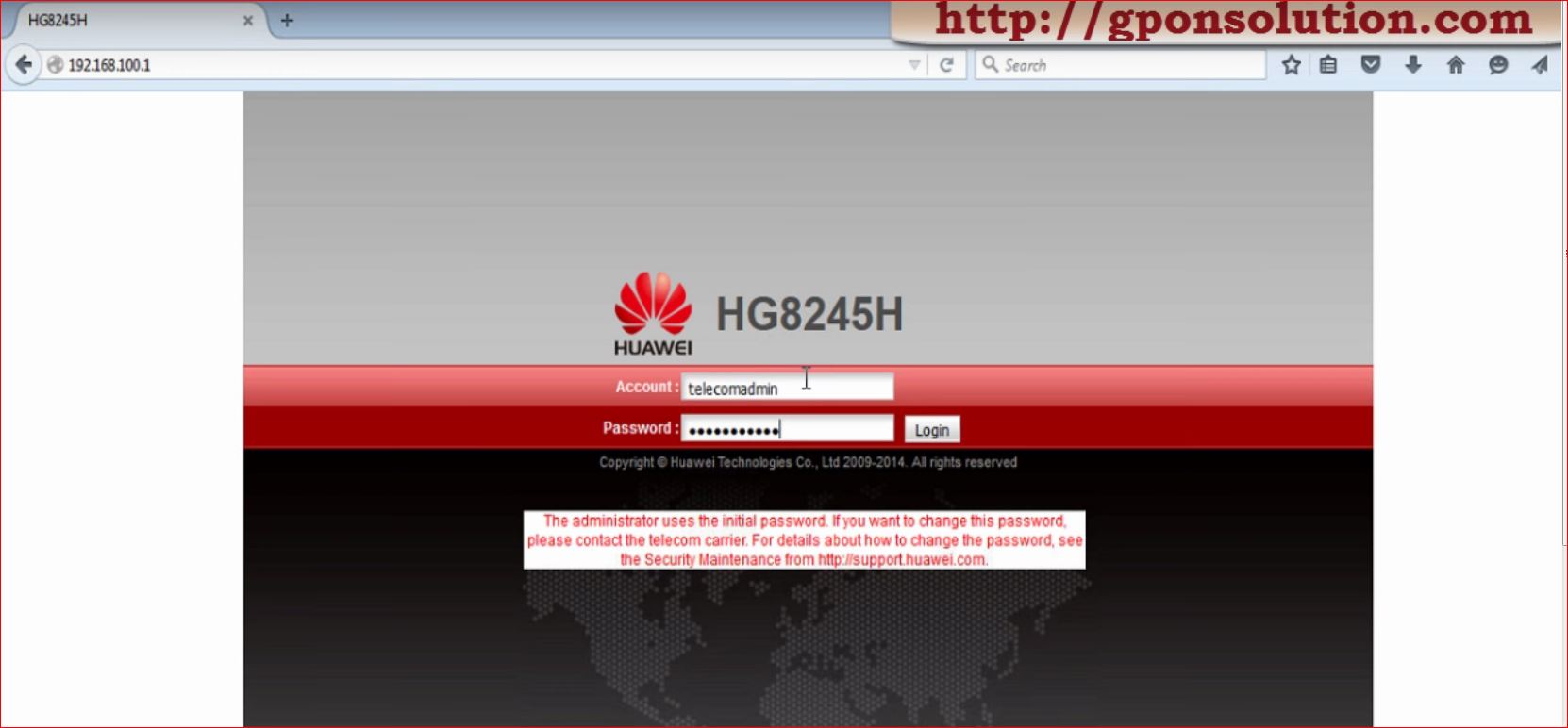
Today i will discuss about Huawei HG8245 Default password.
Question-1: What is the default user name and password for Huawei ont ?
Answer: By default, administrator mode,
Username: telecomadmin, Password: admintelecom,
Common user, User name: root, Password: admin
Huawei HG8245 Default password
Question-2: What is the default IP address and Subnet Mask of huawei ont ? Answer: IP address: 192.168.100.1, Subnet mask: 255.255.255.0
Question-3: If we want to connect a PC with Huawei ONT, how to set IP address and subnet mask of the PC? Answer: Set the IP address of the PC to be in the same subnet as the LAN IP address of the HG8240/HG8245/HG8247.
Huawei GPON OLT Configuration Complete Guide: Here is the some steps for Huawei GPON OLT Configuration. May be it will help you how to configure ONT in OLT & some basic troubleshooting. GPON Technology Diagram Overview Huawei OLT Basic Configuration Create DBA profile in Huawei OLT Create Traffic Table in Huawei OLT Register Huawei ONT … Read more
Default username and password for Huawei echolife HG8240/HG8245/HG8247 ONT:
Today i will discuss about default username and password for Huawei echolife HG8240/HG8245/HG8247 ONT. [boxads]
Question-1: What is the default user name and password for Huawei ont ?
Answer: By default, administrator mode,
Username: telecomadmin, Password: admintelecom,
Common user, User name: root, Password: admin
Question-2: What is the default IP address and Subnet Mask of huawei ont ? Answer: IP address: 192.168.100.1, Subnet mask: 255.255.255.0
Question-3: If we want to connect a PC with Huawei ONT, how to set IP address and subnet mask of the PC? Answer: Set the IP address of the PC to be in the same subnet as the LAN IP address of the HG8240/HG8245/HG8247.
Today i will describes how to add an alarm profile, and configure most of the performance parameters for various ONT lines as a profile. After the alarm profile is configured and bound successfully, the ONT can directly use the profile when it is activated. [boxads]
An ONT alarm profile defines a series of alarm thresholds that are used to monitor the performance of an activated ONT line. When the statistics result of a parameter reaches the alarm threshold, the NE is notified and an alarm is sent to the log server and the NMS.
The MA5600T/MA5603T/MA5608T supports up to 50 alarm profiles.
The system contains a default alarm profile with the ID 1. This profile cannot be deleted but can be modified.
Procedure:
Step-1: Run the gpon alarm-profile add command to add a GPON ONT alarm profile. All parameters in the default profile are set to 0, which indicates that no alarm is reported. When an alarm profile is created, the default values of all alarm thresholds are 0, which indicates that no alarm is reported.
Step-2: Run the display gpon alarm-profile command to query the alarm profile.
ONT Alarm Profile Configuration Example:
[adsense] To add Huawei GPON ONT alarm profile 5, set the alarm threshold for the packet loss of the GEM port to 10, set the alarm threshold for the number of mis-transmitted packets to 30, and use the default value 0 for all other thresholds, do as follows: