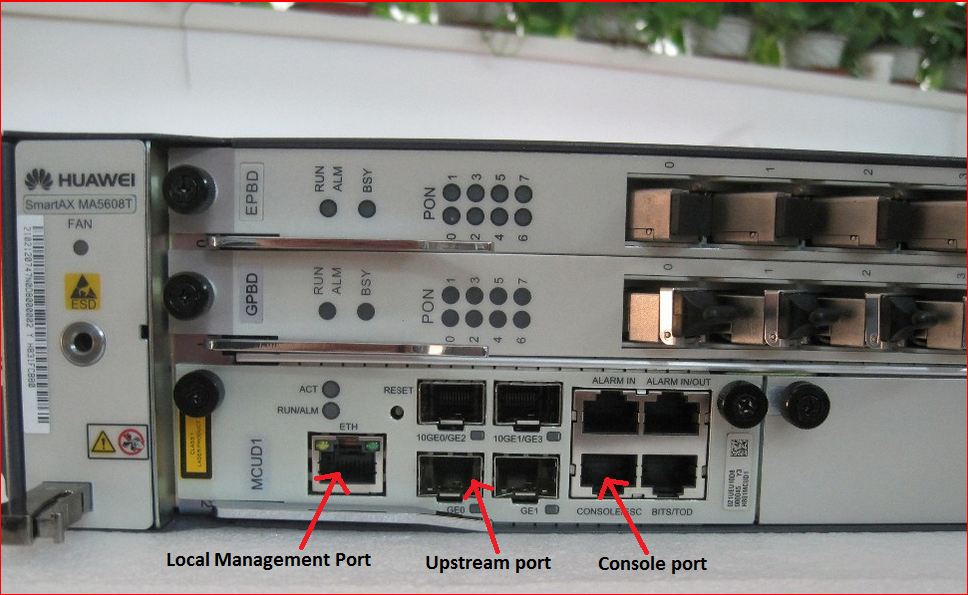
Huawei OLT Factory Default Command

Huawei OLT Factory Default Command

[boxads]

Hi everybody ! Today i will discuss about how to do Huawei OLT Factory default, or erase all configuration from huawei olt. So please follow this procedure.

The erase flash data command is used to erase the configuration data in the flash memory of the control board. When the configured data is saved to the flash memory, you can run this command to restore the database to the initial state, namely, to erase the data configured by the user. After the command is executed successfully, the original configuration data in the flash memory of the control board is lost.

Usage Guidelines:

  • Before erasing the data, run the backup data command to back up the database file to prevent the loss of important data.
  • Before erasing the data, check autosave configuration status by display autosave configuration command, if it is enabled, please disable your autosave time & interval by command: autosave time off & autosave interval off.
  • During the process of command running, the system prompts you to confirm this operation.
  • During the process of command running, the system displays the progress, the suggestion when this command is executed successfully, and the cause in case of failure.
  • After this command is executed successfully, the system displays the message that the configuration takes effect after the active control board is reset. Run the reboot command to reset the system so that the data in the database is cleared.
  • After the data is erased, you can run the load data command to reload the database file.

Huawei OLT Factory default Example:
To erase the configuration data of the active control board, do as follows:

huawei#erase flash data                                                         
{ Options<E><active,standby> }:active
 
  Command:
                    erase flash data active                                               
  This command will clear the active board data that has been loaded or saved   
  Please remember to backup the system configuration data                       
  Are you sure to continue? (y/n)[n]:y
  Command executes successfully, and will take effect after active board rebooted

Read more

Huawei OLT Autosave Configuration enable

Huawei OLT Autosave Configuration enable/on

[boxads]

Today i will discuss how to enable/on Huawei OLT Autosave Configuration. Two way we can do it, one is autosave interval and another is autosave time.

This command is used to enable the system to save the system configuration automatically or set the preset time when the configuration is saved. The autosave function includes autosave configuration at the preset time and at the interval time. When you need to set the preset time of the autosave function, run this command. After the command is executed successfully, you can save the configuration at the preset time instead of delivering commands by the network management to prevent data loss at emergency reboot.

  • By default, the auto-save function is disabled.
  • When the autosave function is enabled, if the system configuration is modified, the configuration is saved at the user-defined time. When the autosave function is disabled, the configuration is not saved automatically, and you need to run the save command to save it.
  • When you enable the autosave function, pay attention to the following points:
    • This function autosave time and the autosave interval function cannot be enabled simultaneously.
    • When you run the autosave interval command, saving data frequently affects the system. Therefore, it is not recommended that you configure the auto-save interval smaller than one hour. The recommended value is equal to or greater than 24 hours.
    • Writing and reading the data in the flash memory frequently decreases the using time of the flash memory. It is recommended to disable this function after the configuration.

Huawei OLT Autosave Configuration enable Example:

To enable the auto-save function, do as follows:

huawei#autosave interval
{ configuration<K>|time<U><10,10080>|value<E><on,off> }:on

  Command:
          autosave interval on
  System autosave interval switch: on
  Autosave interval: 1440 minutes
  Autosave type: data

  System autosave modified configuration switch: on
  Autosave interval: 30 minutes
  Autosave type: data

To set the auto-save interval to 120 minutes based on the relative time of the system, do as follows:

huawei#autosave interval
{ configuration<K>|time<U><10,10080>|value<E><on,off> }:120

  Command:                                                                      
          autosave interval 120                                                 
  System autosave interval switch: on                                           
  Autosave interval: 120 minutes                                                
  Autosave type: data

To set the auto-save interval to 60 minutes for saving the modified configuration data of the system, do as follows:

huawei#autosave interval                                                
{ configuration<K>|time<U><10,10080>|value<E><on,off> }:configuration
{ time<U><2,1440> }:60

  Command:
          autosave interval configuration 60
  System autosave modified configuration switch: on
  Autosave interval: 60 minutes
  Autosave type: data

Read more

Huawei iManager U2000 NMS Setup

Huawei iManager U2000 NMS Setup Windows 2008

[boxads]

Today i will show everybody how to Huawei iManager U2000 NMS Setup in Windows Server 2008 R2 version.

Step-1: Double-click the install.bat file in the installation package path.

install.bat.png

Huawei iManager U2000 NMS Setup Windows 2008

installing.png

Step-2: Agree to install

Huawei iManager U2000 NMS Setup

Step-3: Select operation language of U2000 software.

Read more

Huawei hg8245 admin password

Huawei hg8245 admin password

[boxads]

Today i will discuss about Huawei HG8245 Default password.

Question-1: What is the default user name and password for Huawei ont ?

Answer: By default, administrator mode,

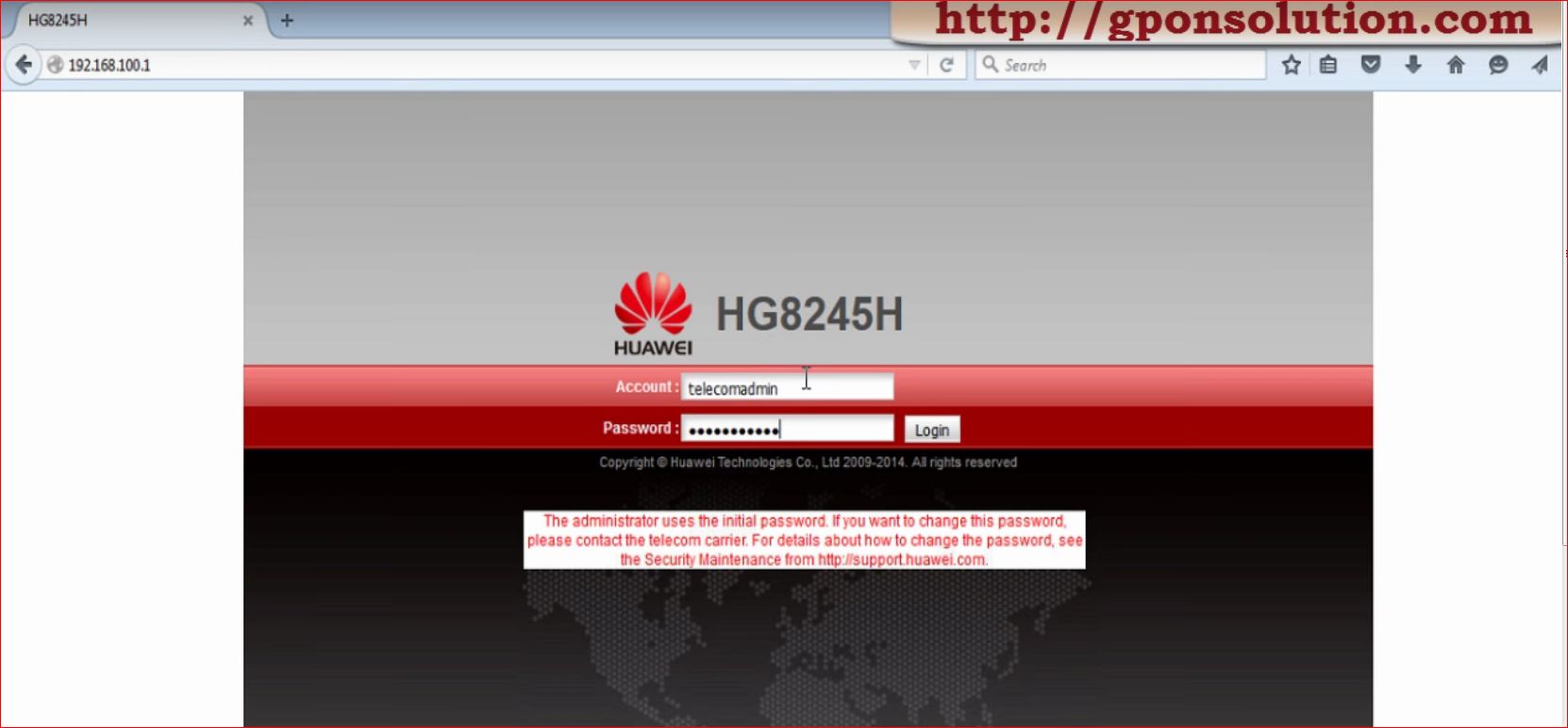
Username: telecomadmin, Password: admintelecom,

Common Username: root, Password: admin

Another Username: admin, Password:*6P0N4dm1nP4SS*

Huawei hg8245 admin password

Question-2: What is the default IP address and Subnet Mask of huawei ont ?
Answer: IP address: 192.168.100.1, Subnet mask: 255.255.255.0

Question-3: If we want to connect a PC with Huawei ONT, how to set IP address and subnet mask of the PC?
Answer: Set the IP address of the PC to be in the same subnet as the LAN IP address of the HG8240/HG8245/HG8247.

Read more

Huawei HG8245 Default password

Huawei HG8245 Default password

[boxads]

Today i will discuss about Huawei HG8245 Default password.

Question-1: What is the default user name and password for Huawei ont ?

Answer: By default, administrator mode,

Username: telecomadmin, Password: admintelecom,

Common user, User name: root, Password: admin

Huawei HG8245 Default password

Question-2: What is the default IP address and Subnet Mask of huawei ont ?
Answer: IP address: 192.168.100.1, Subnet mask: 255.255.255.0

Question-3: If we want to connect a PC with Huawei ONT, how to set IP address and subnet mask of the PC?
Answer: Set the IP address of the PC to be in the same subnet as the LAN IP address of the HG8240/HG8245/HG8247.

Read more

Huawei ONT Capability Information

 Huawei ONT Capability Information

[boxads]

Today i will discuss about  Huawei ONT Capability Information. You can easily know which ONT model ONT have how many Ethernet port, POTS port, RF port, USB & WiFi feature.

GPON Huawei ONT Capability Sets:

This topic provides common GPON ONT capability sets of Huawei, serving as a reference for ont-srvprofile parameter configuration when an ONT is added offline.

Huawei ONT CapabilityGPON Huawei ONT CapabilityGPON Huawei ONT Capability

Read more